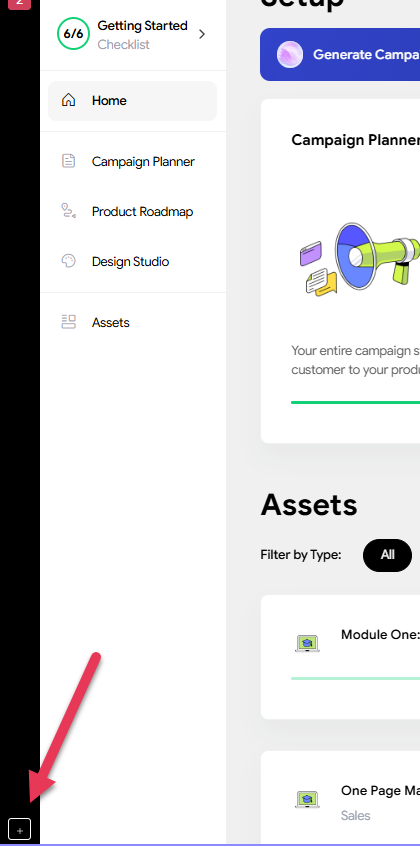
There are two ways to start a new campaign.
- Start a new one. You can do that by clicking the little '+' at the bottom left of your account dashboard.
- Clone a campaign - do this by clicking the dropdown by your campaign name. Then you can choose what data you'd like to copy - then work in that campaign. You can clone a campaign following steps HERE
Was this article helpful?
That’s Great!
Thank you for your feedback
Sorry! We couldn't be helpful
Thank you for your feedback
Feedback sent
We appreciate your effort and will try to fix the article